What’s new in BugBug this October
🔐 Two-factor authentication
You can now use an authenticator app to verify your identity when signing in to BugBug.
🔤 Case-insensitive assertions and conditions
Choose when a text check should ignore capitalization. For example, if a button changes from “Sign in” to “Sign In,” your test can still pass.
⚙️ More control over run profiles
Set your preferred default run profile, change the default for existing tests, or duplicate a profile in one click.
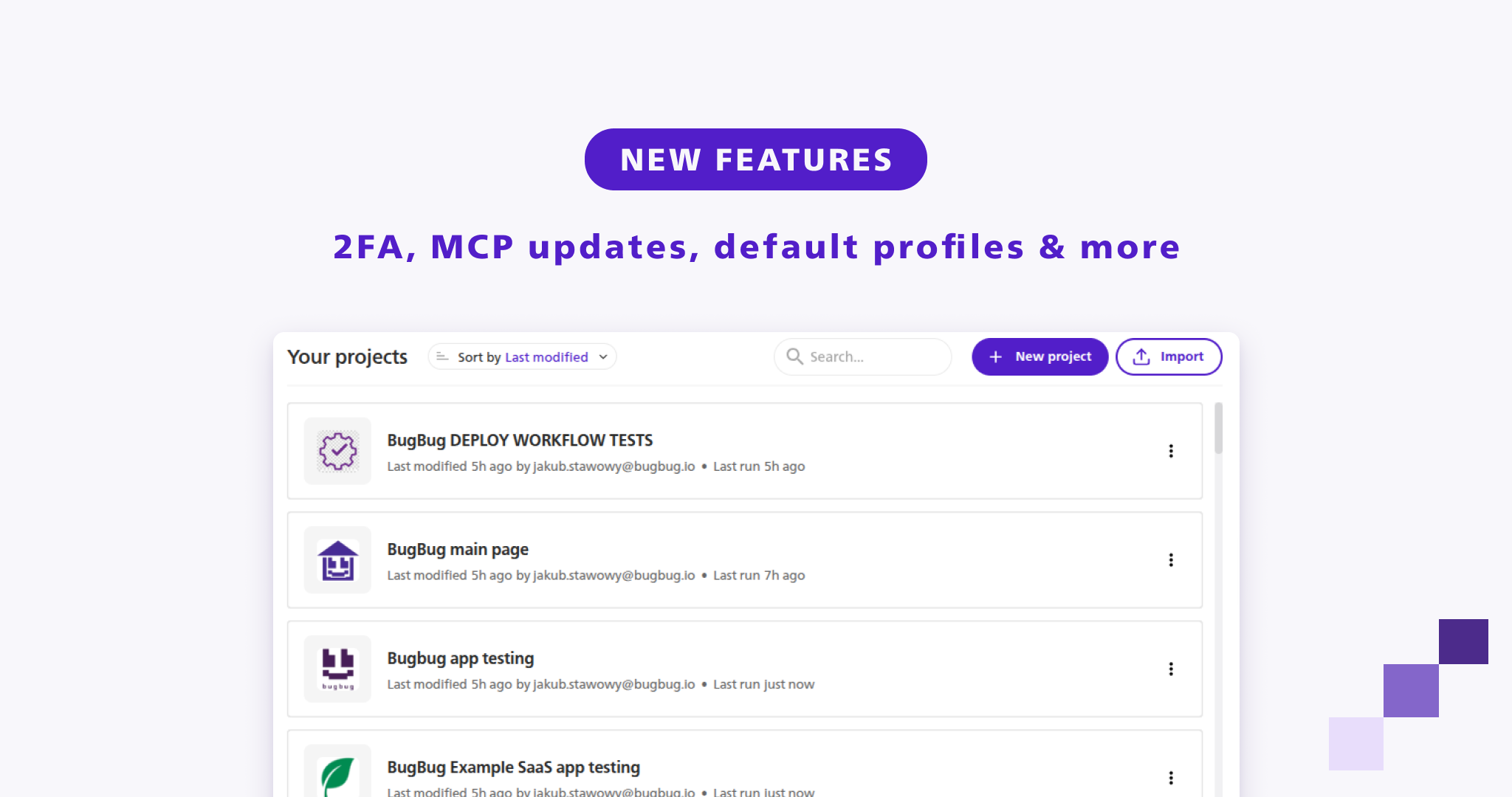
📂 Redesigned project list
Sort your projects and see recent cloud activity directly in the project list.
🤖 BugBug MCP updates
Your AI agent can now manage folders and tags, and the new code mode helps it use fewer tokens. You can also access test run email inboxes through the API and connect ChatGPT using the new setup guide.
Using a local MCP setup? BugBug MCP now supports HTTP connections only. Update your configuration using the MCP setup guide.
⚡ Faster test runs
Tests run faster, and BugBug finds elements on the page more reliably. Cloud runs now use Chrome for Testing 150.
Also new
Billing Manager role: give a teammate access to invoices and payments while keeping tests private.
Camera and microphone emulation: test flows that use a camera or microphone.
HTTP headers: edit custom headers more easily.
Scheduled runs: BugBug spaces out scheduled runs to reduce time spent in the queue.
Happy (automated) testing!
— Team BugBug